
Set up
Environments
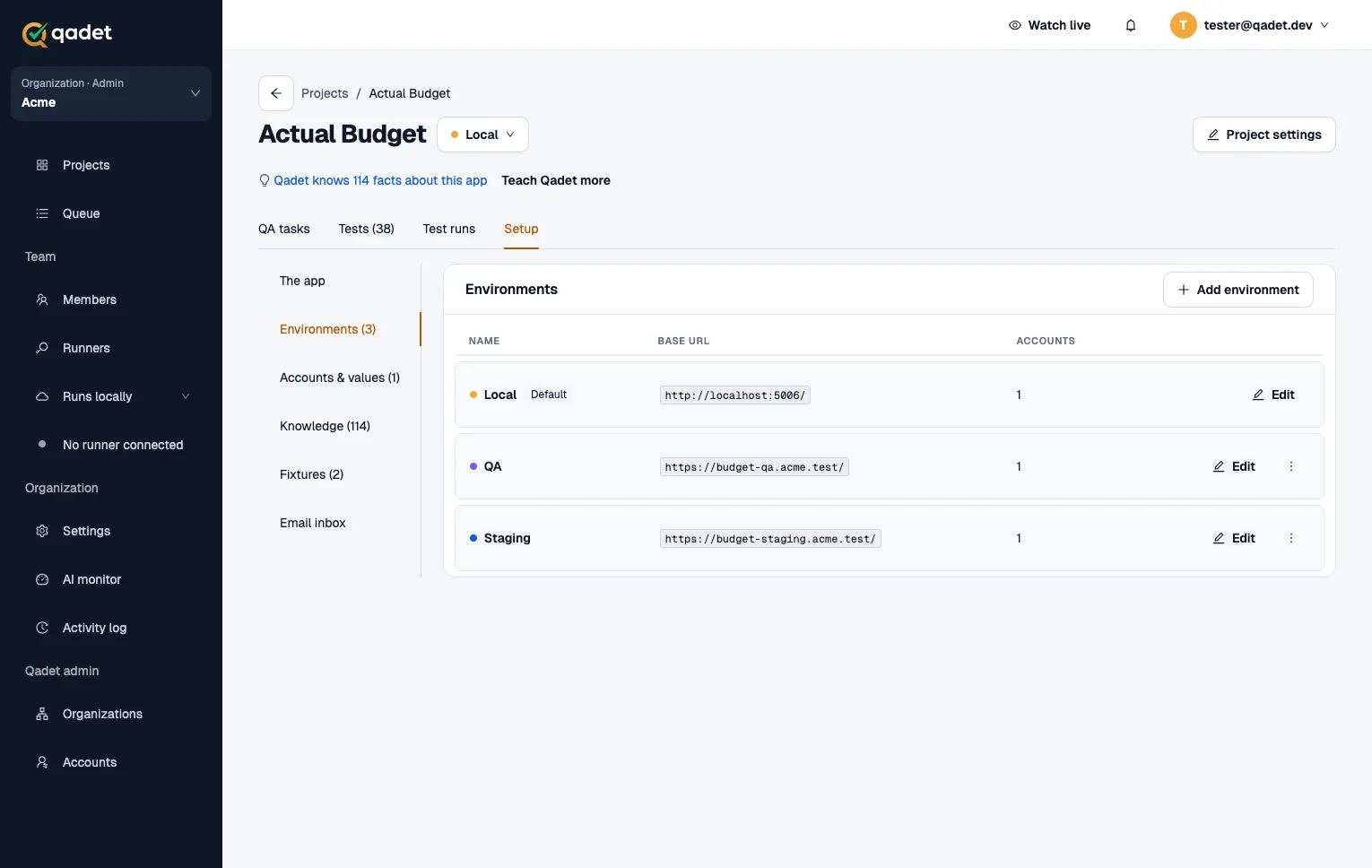
Run the same tests against QA, staging or a preview build. Each environment has its own address, accounts, values and inbox.
How environments work
- Every project has a default environment. A new project's address becomes it.
- Add more with Add environment: a name (QA, Staging) and a Base URL. Override accounts, saved values, browser access or the inbox only where they differ.
- Choose the environment once, at the top of the project. Runs, QA tasks and test runs then use it, and lists show what ran there.
- Make default changes which one new work uses.
Different passwords per environment: add the account again in that environment with its own password. Tests keep using it by name.