
Set up
Knowledge
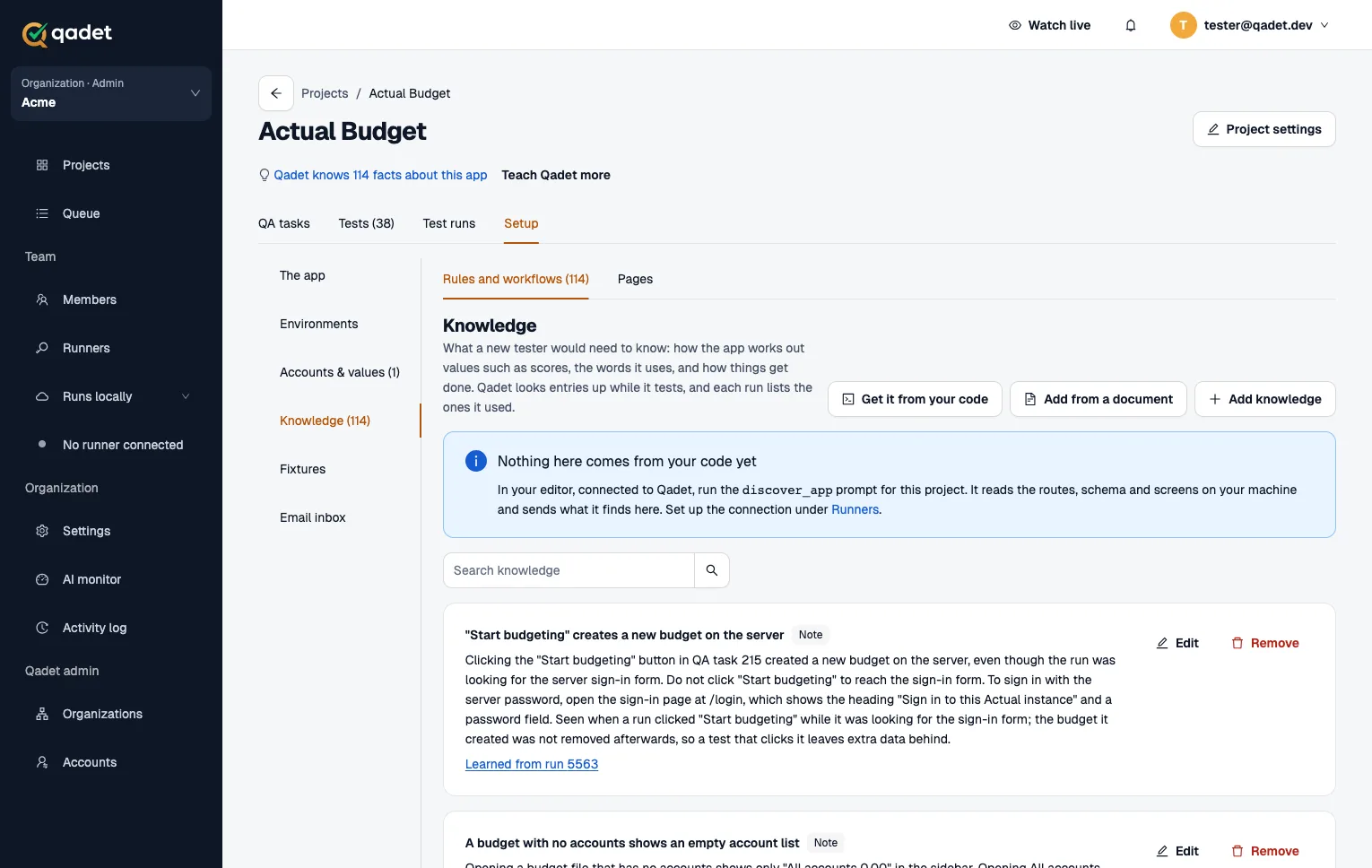
What a good tester would know about the app: terms, rules and workflows. Qadet reads it before planning and while testing.
Kinds of knowledge
| Kind | Example |
|---|---|
| Term | "A cohort is a group of candidates invited together." |
| Business rule | "Coupons can't be combined with sale prices." |
| Workflow | "An order goes Placed → Packed → Shipped; only admins can cancel after Packed." |
| Note | "The staging payment page always declines card 4000 0000 0000 0002." |
Pages
Beside Rules and workflows, the Pages tab shows each page of the app as your tests cover it. See Pages and coverage.
Where it comes from
- You: choose Add knowledge, or import a document. Qadet reads it in the background, which can take a few minutes for a long document: keep working, and the bell tells you when the entries are in. Entries read from a document join at once, as if you wrote them. A document longer than about 12,000 characters is read in up to four parts at the same time, so it is done sooner; an entry two parts both found is kept once, and if one part fails, what the other parts read is still saved.
- Qadet: after a passing run, it saves up to three lessons about the app and uses them by itself, so nobody has to review them. A lesson is only a hint: Qadet treats it as an observation that may be out of date, and the requirement and what the page shows now always win. No check or defect rests on a lesson alone. Runs that did not pass teach nothing. When a passing run sees the app contradict a lesson, Qadet retires it: it stays under Retired lessons with the reason and is no longer used. Edit a lesson to make it yours; what people write, or import from their documents, is never retired. An admin who wants to approve each lesson first turns off Use automatically under What Qadet learns from runs in Settings → Data and privacy. A lesson from a run that did not pass can't be approved, alone or with Approve all, as it may describe a bug: Edit it to make it yours, or Decline it.
- Your editor: through MCP, a coding agent can propose knowledge from your code, such as routes and data rules. These can join automatically if the project allows it.
When proposals wait, the organization's admins and the people who wrote knowledge for the project get one notice under the bell, at most once a day for each project, however many facts arrive.
Plan preferences are how your team wants every plan made, such as "always test empty and too-long input" or "cover each role". When you reply to a plan with a change like that, tick Remember this for future plans in this project; from the editor, the agent asks whether to remember it. The QA lead follows every plan preference in later QA tasks. They show in the project's knowledge, where you can edit or remove them; a project keeps at most 20.
If reading a document or learning from a tour of the app fails, for example because the AI provider refused the key, the bell says so with a Rerun button that starts it again without leaving the page you're on.
Knowledge is about how the app works, not about the people in it. Qadet is told never to keep names, email addresses, phone numbers, account or order numbers or payment details it sees, and to describe the pattern instead, such as "order numbers look like ORD-00042". Knowledge is kept until someone deletes it, and its text is sent to your embedding provider so Qadet can search it by meaning.
Entries that say the same thing
Qadet can learn the same lesson more than once, in different words. On the project's Knowledge tab, Find duplicates groups the entries that state the same fact: shared words find the candidates, and the economical AI model decides which really say the same thing, so a wrong password and an empty one stay apart. For each group, choose Keep this one: the others are removed, and the kept entry counts the runs that saw them. It stays approved if any of them was. Only entries of the same kind are grouped. Admins can do this.
When the browser reaches a page an entry is about, the explorer is told that entry with the page. An entry is about a page when its title names the page's title or the last word of its address.