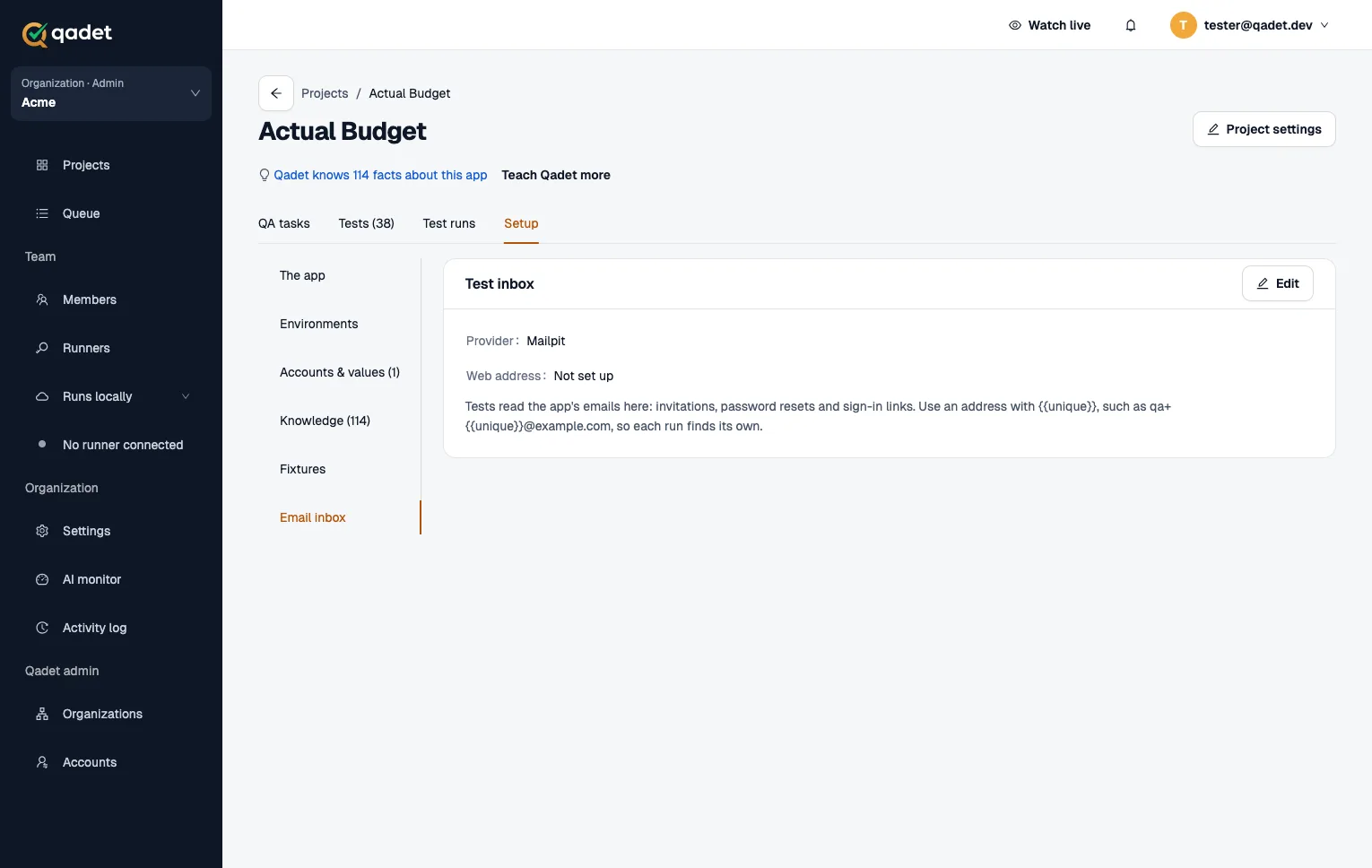
Set up
Project setup
Everything a test needs before it can run: the app, how to reach it, who to sign in as, what to know, files to upload and where its emails go.
The app
About the app holds the Base URL and a description Qadet reads before planning. Write what the app is for and who uses it.
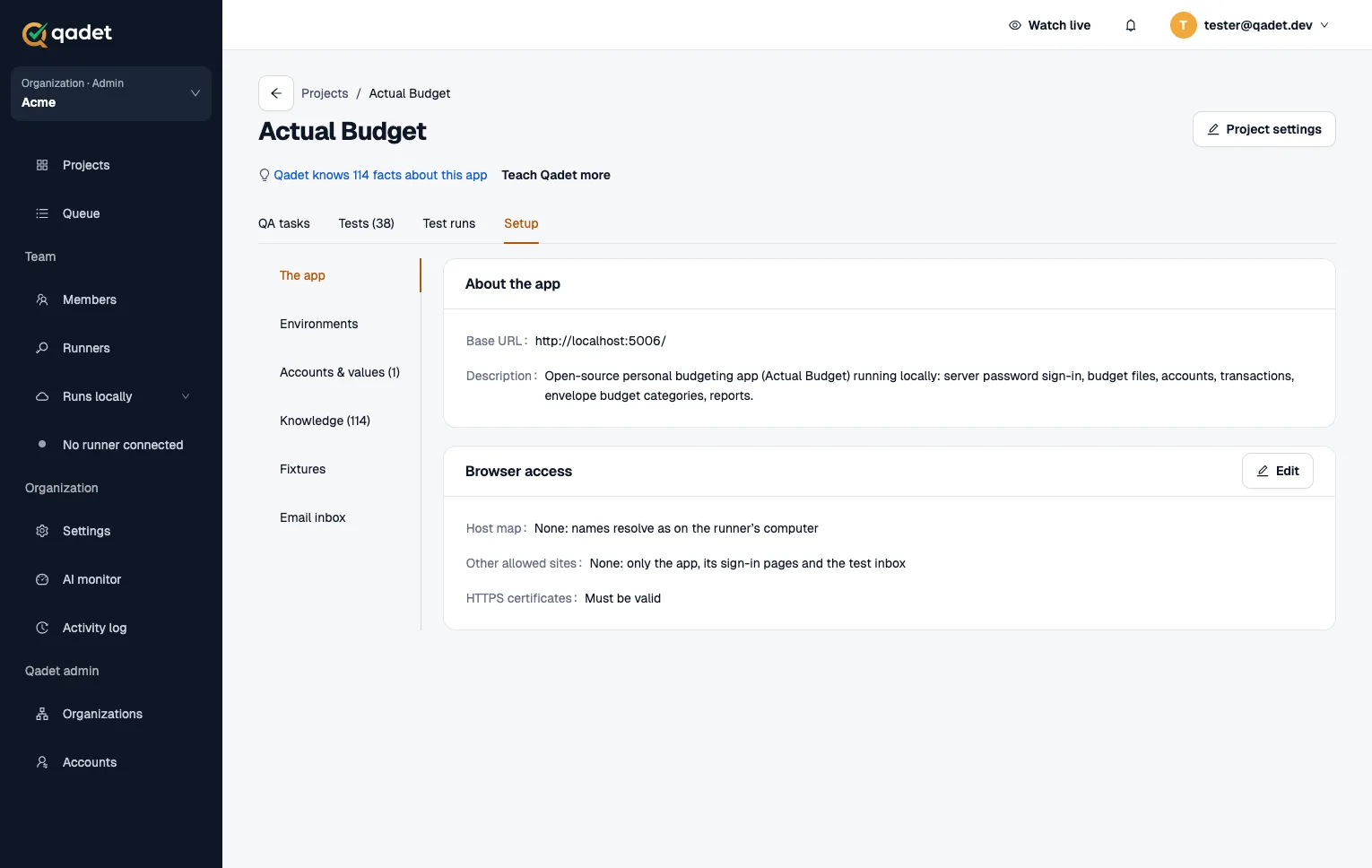
Browser access
| Setting | When to use it |
|---|---|
| Host map | Point a name at another address, like a hosts file, for apps reached by a name your network doesn't resolve. |
| Other allowed sites | Sites a test may open besides the app, such as a single sign-on page or a payment page. The app's own subdomains are always allowed, such as admin.shop.test and team.shop.test for shop.test. Anything else is refused. |
| HTTPS certificates | Accept self-signed certificates on internal environments. |
Pin an environment for yourself when you mostly work on your own, such as your local one. Open the environment menu in the project's header and press the pin beside it. You'll open the project there from then on, while the project's default stays the same for everyone else. Press the pin again to go back to the default. Picking another environment from the menu lasts only for that browser tab.
Accounts and values
Add the test accounts Qadet signs in with: a role (such as Admin or Customer), username, password and sign-in page. Add saved values for anything secret or environment-specific, such as an API key or a card number.
Tests type these by name. The model sees STANDARD_USER_PASSWORD, never the password itself.
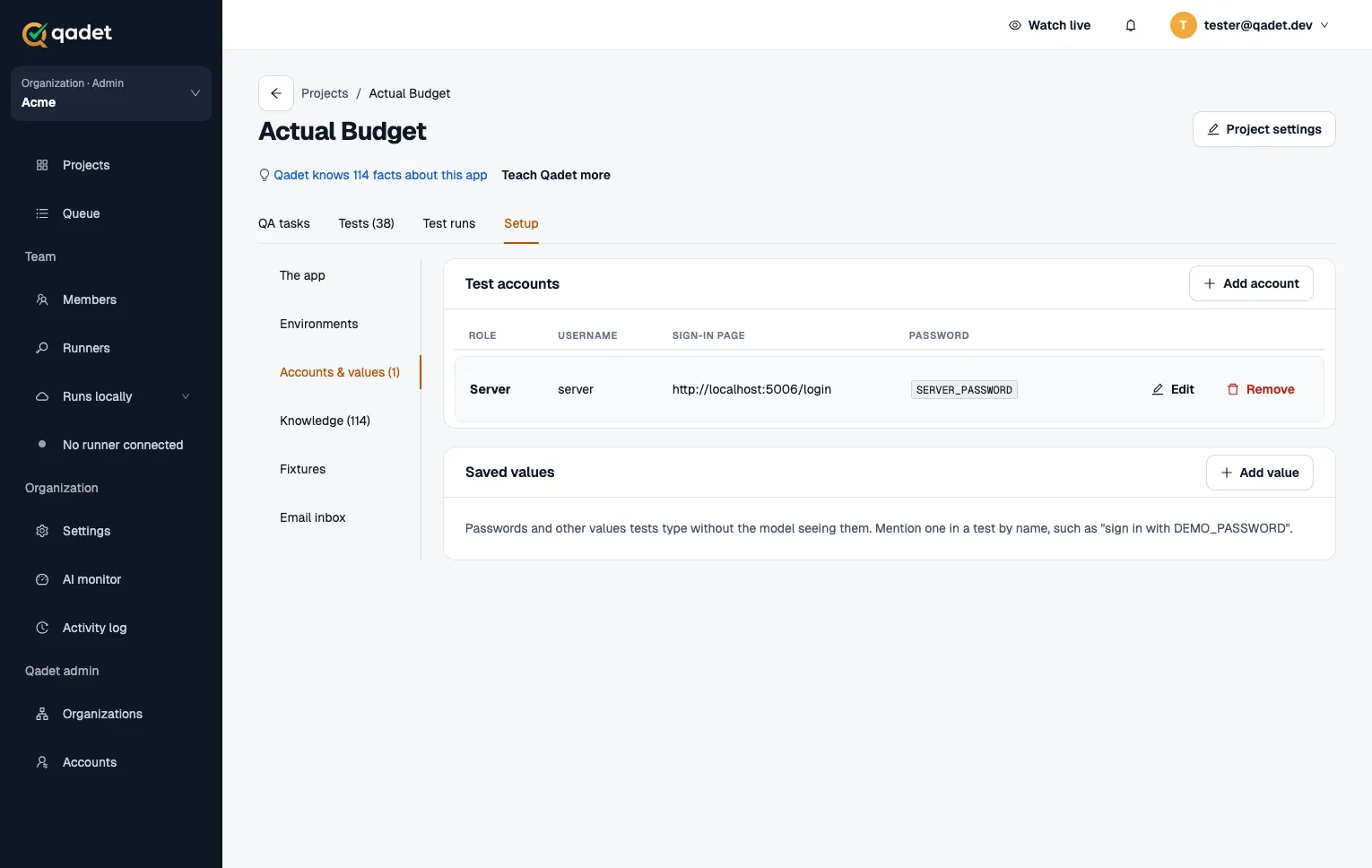
Unique data: add {{unique}} to values for records a test creates, such as qa+{{unique}}@example.com, so runs don't collide with each other's data.
Knowledge
What a tester should know about the app. See Knowledge.
Fixtures
Files tests upload, such as a CSV to import or an image for a profile, with a note on when to use this fixture. Qadet picks the right one for a step.
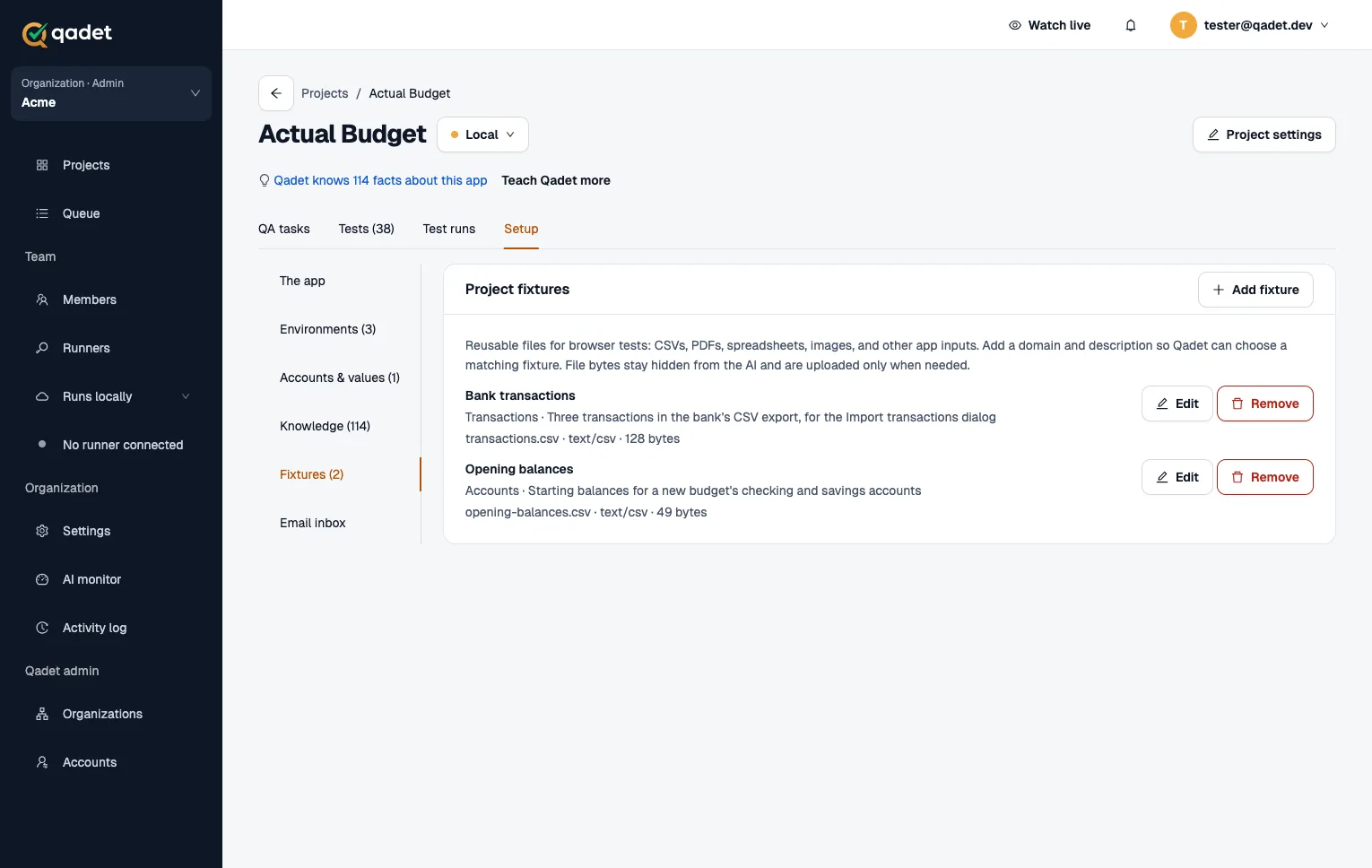
Email inbox
To test sign-up confirmations, password resets and receipts, tell Qadet where the app's emails go. Qadet reads the newest email to the test address and follows its link.
| Provider | Fits | Needs |
|---|---|---|
| Mailpit | Local and QA servers | Web address, such as http://localhost:8025 |
| MailCatcher, MailHog | Local and QA servers | Web address |
| Mailtrap (beta) | Staging servers | Account id, inbox id and API token |