Set up
Members and roles
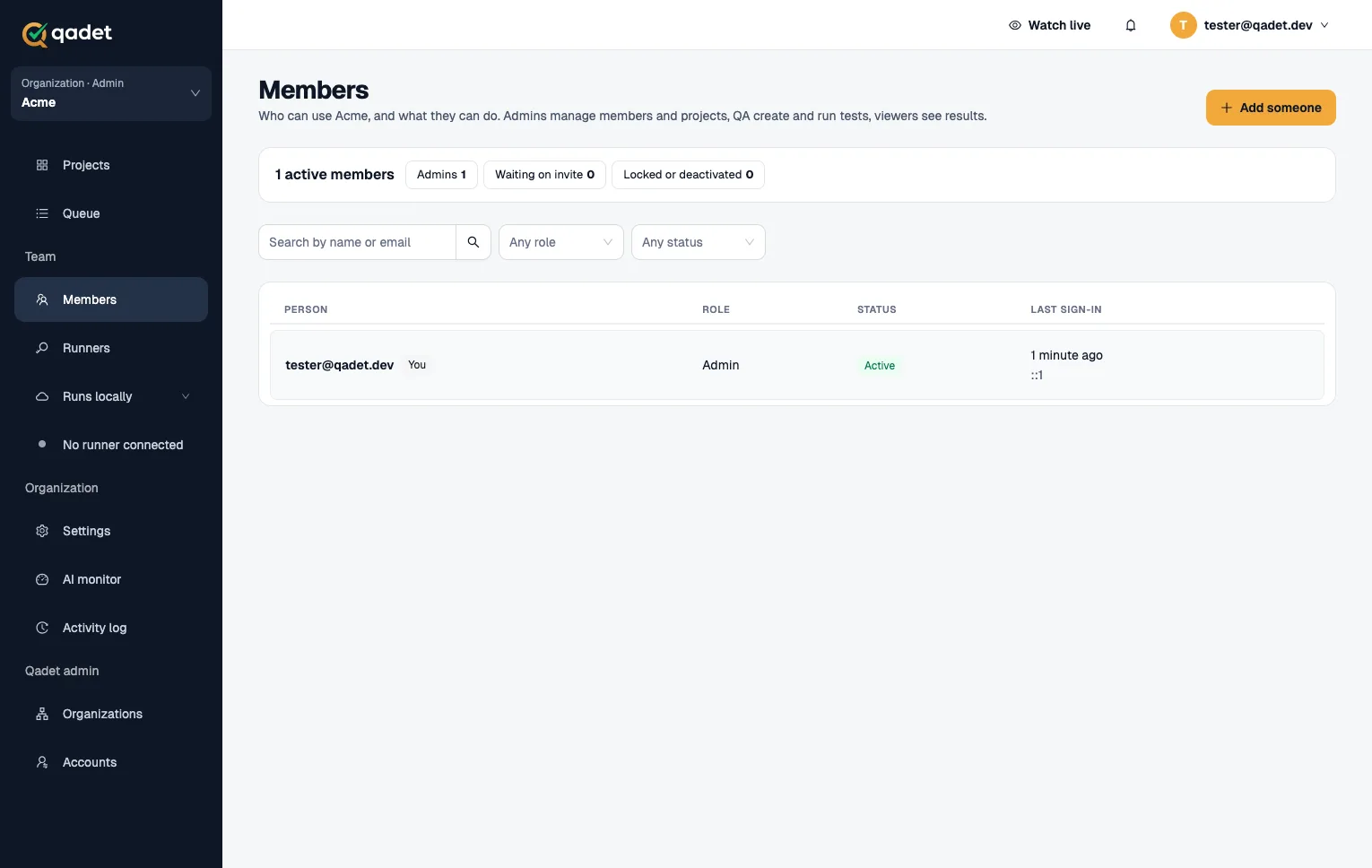
Invite your team and choose what each person can do.
Roles
| Role | Can |
|---|---|
| Admin | Everything QA can do, plus projects, environments, project settings, organization settings, AI keys, budget and members. |
| QA | Create QA tasks and tests, run them, approve plans and decide repairs. Add test accounts, saved values, knowledge and fixtures to a project. |
| Viewer | Read projects, tests, runs and reports. Can't start or change anything. |
Inviting people
Choose Invite, enter the person's email, first and last name, and role. They get an email with a link to set their password — or, when Google sign-in is enabled on your workspace, they can sign in straight away with Continue with Google using that invited email. Until they accept or sign in, they show as Waiting on invite. Qadet is invite-only: there's no public sign-up.
Someone who already has a Qadet account, in another organization, gets an email with a link to join yours. They join only when they open it, signed in as themselves, and choose Join; until then they aren't a member. The link lasts 7 days. Inviting works the same whether or not the email has an account, so the page never tells you who uses Qadet.
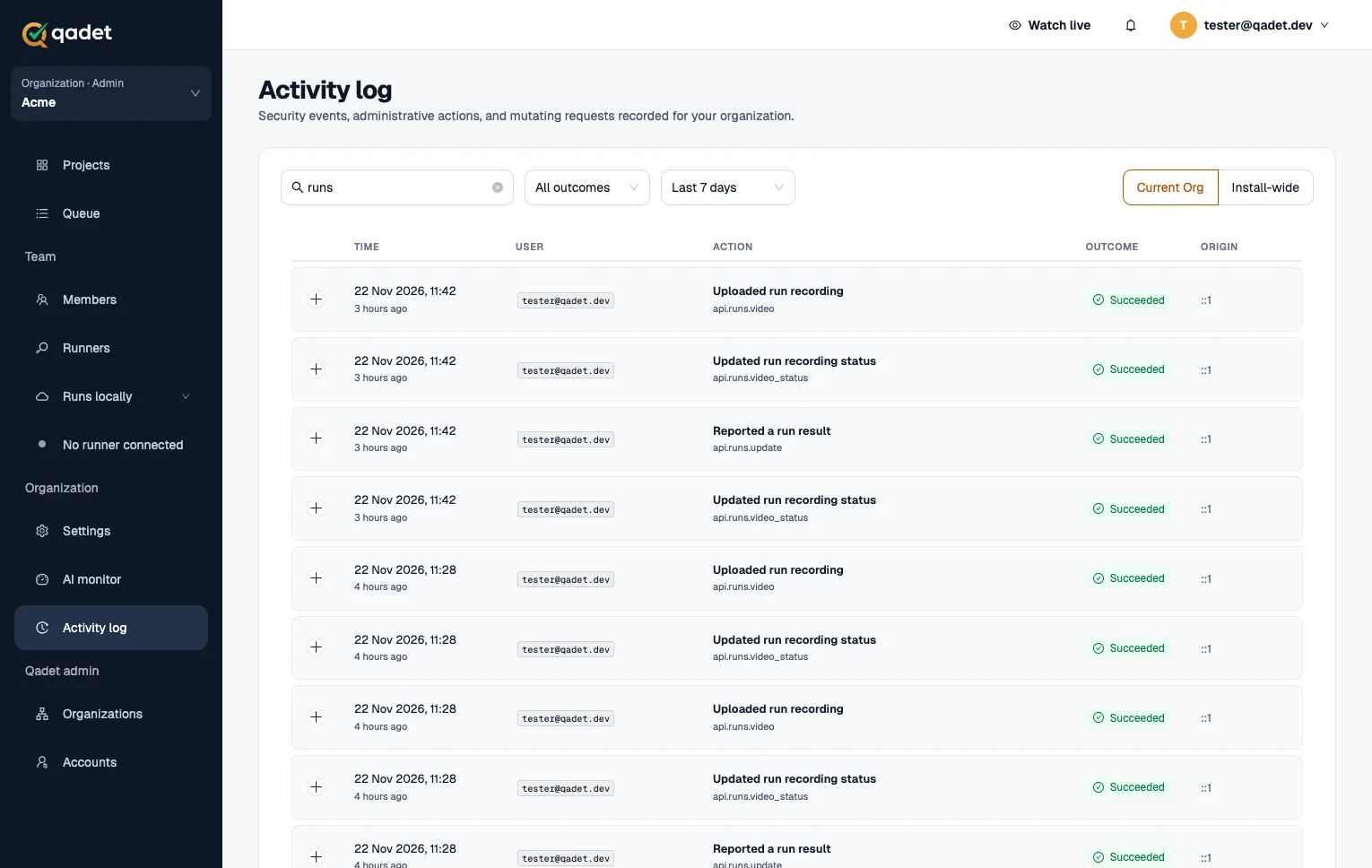
Activity log
Every change someone makes, such as approving a plan, saving a key or inviting a member, is recorded on Activity log with who did it, when, and whether it worked.